QR Codes: Understanding, Using, and Optimizing
This article explains how QR Codes work, what they are used for, and how to optimize them for real‑world reliability. It highlights that QR Codes are public by design: anyone can read their content, so sensitive data must be encrypted before encoding. The text describes common use cases such as asset labels, marketing materials, and on‑screen support links, all leveraging QR Codes as a bridge between physical objects and digital information. A central theme is the balance between data volume and scanability: more data creates denser, harder‑to‑read codes, especially when physical space is limited. The article stresses encoding only the strict minimum, preferring short URLs, and choosing error‑correction levels based on environmental constraints. It concludes that effective QR Code design requires understanding density, size, and context to ensure reliable scanning across industrial, public, and digital applications.
QR Codes: Understanding, Using, and Optimizing
What is a QR Code?
A QR Code, short for Quick Response Code, is a two-dimensional form of barcode, invented in Japan in 1994 by Denso Wave, a subsidiary of Toyota at the time. Where a traditional barcode encodes its information along a single horizontal line, a QR Code exploits two axes, horizontal and vertical, allowing it to store a significantly larger amount of data in a compact space.
Visually, a QR Code appears as a square made up of small black and white modules arranged in a grid. The three large squares in the corners serve as position detection markers for the reader, allowing it to recognize and orient the code regardless of the scanning angle. The rest of the pattern encodes the data itself, along with error correction information that allows the content to be reconstructed even if part of the code is damaged or partially obscured.
Data that anyone can read
There is one fundamental point to understand: the data encoded in a QR Code is public. Any QR Code reader application can extract its content. There is no native protection or encryption mechanism in the QR Code specification.
This means a QR Code should never be treated as a way to hide information. If you need to transmit confidential content via a QR Code, such as an access token, a username, or a password, the correct approach is to encrypt that content beforehand, then encode the encrypted result. The QR Code then carries data that is unreadable without the appropriate decryption key, while the code itself remains perfectly scannable by anyone.
What is a QR Code actually used for?
A QR Code is, above all, a bridge between the physical world and the digital world. It links an object, a document, or a location to digital information, without requiring the user to type anything manually. Here are the most common use cases.
Labels on equipment and physical assets
In industrial, logistics, or healthcare environments, equipment is typically identified by a serial number, an inventory identifier, or an asset code. Printing that number in plain text on a label works, but it forces an operator to manually transcribe the information into a computer system, with all the transcription errors that entails.
By encoding the serial number into a QR Code, the operator can simply scan the label with a smartphone or a barcode scanner, and the target system receives the information instantly and without a single typo. The time savings are significant, and one more source of human error is eliminated.
Flyers and marketing materials with a URL
On a paper flyer, a poster, or a business card, it is common practice to print a URL pointing to a website, a product page, or a sign-up form. Typing a URL by hand is tedious, and long URLs are a reliable source of mistakes.
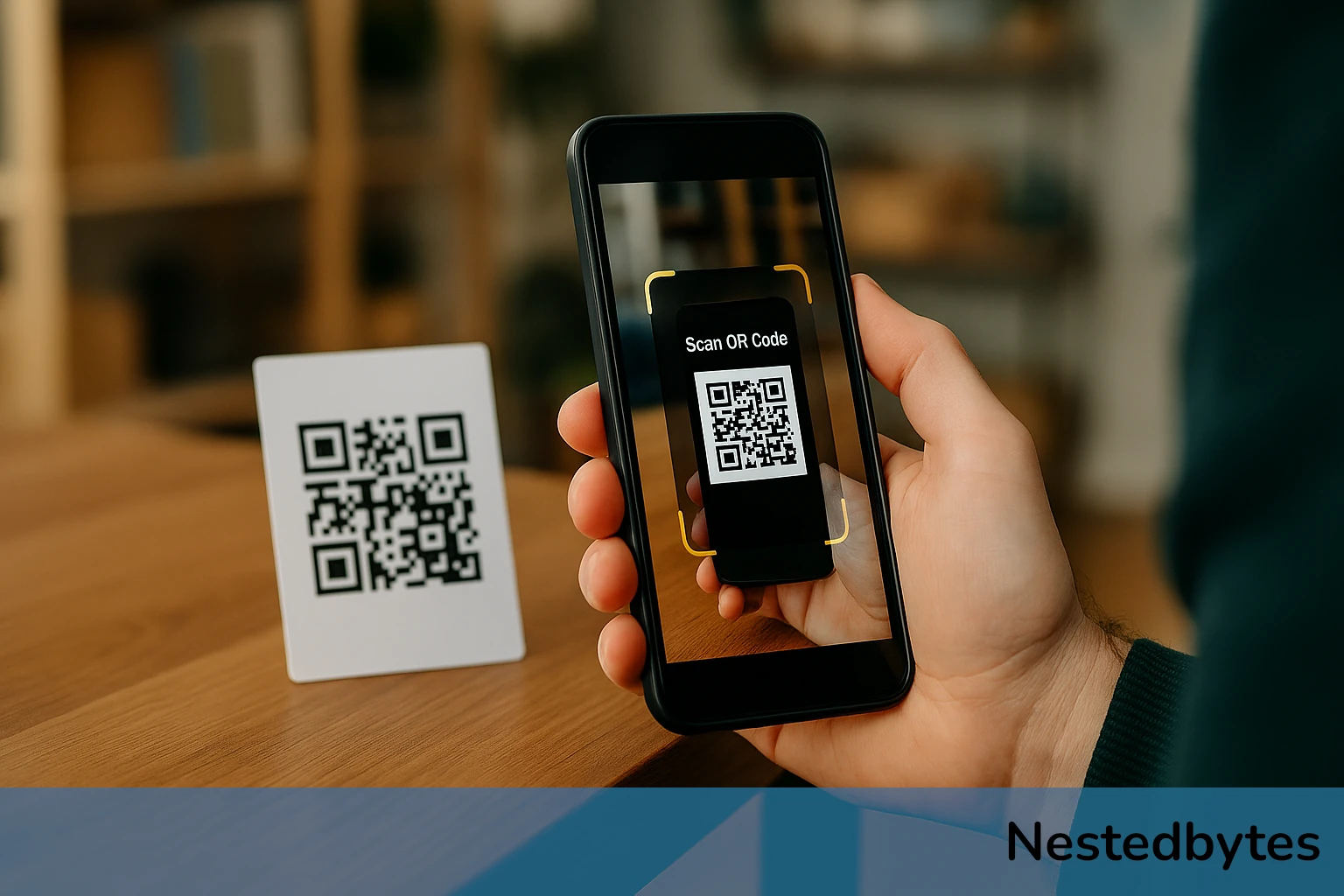
A QR Code printed on the same material lets the reader go directly to the page with a single camera scan. This is one of the most widespread uses among the general public, particularly since smartphones now natively integrate a QR Code reader directly into their camera application.
On-screen display pointing to a support website
Another frequent use case in technical and professional contexts: displaying a QR Code directly on a screen, an admin interface, an interactive kiosk, a television screen, a desktop application, to redirect the user to a support page, documentation, or a tutorial.
The benefit works on two levels. On one hand, the user does not need to type a URL on their keyboard or search for the documentation in a search engine. On the other hand, the software or system designer can ensure that the user lands precisely on the help page relevant to the current context, with no risk of getting lost.
Content and density: finding the right balance
This is where one of the most important, and most underestimated, challenges of QR Code design lies: the direct relationship between the amount of encoded information and the visual complexity of the code.
More data = a denser code
The QR Code standard can theoretically encode up to 3,000 alphanumeric characters (or roughly 7,000 digits). But this maximum capacity comes with a visual cost: the more data is encoded, the finer and more tightly packed the module grid must be. The code becomes denser, more detailed at a small scale, and harder to scan reliably.
A highly dense QR Code demands:
- A good quality camera with accurate focus.
- Adequate lighting without glare or reflections.
- High-resolution printing or display.
- A scanning angle that is nearly perfectly straight-on.
In real-world conditions, a label on a worn piece of equipment, a slightly creased flyer, a kiosk in a poorly lit corridor, these requirements are not always met. A code that is too dense in an unfavorable environment is a code that fails to scan, and therefore a code that serves no purpose.
The physical size constraint
On top of this comes a constraint that is often dictated by the physical context: the available space is limited.
- On an asset label, the surface area may be just a few square centimetres.
- On an A5 or A6 flyer, the QR Code must not dominate the layout, it shares space with text, images, and a logo.
- On a kiosk screen or inside a software interface, the QR Code must remain readable at a reasonable distance without overwhelming the design.
Printing or displaying a dense QR Code in a tight space means compressing already small modules even further. Below a certain physical size, the individual modules become indistinguishable to most readers, and the scan failure rate rises sharply.
The golden rule: encode the bare minimum
The best practice, universally agreed upon, is straightforward: only encode what is strictly necessary.
Here are some concrete applications of that principle.
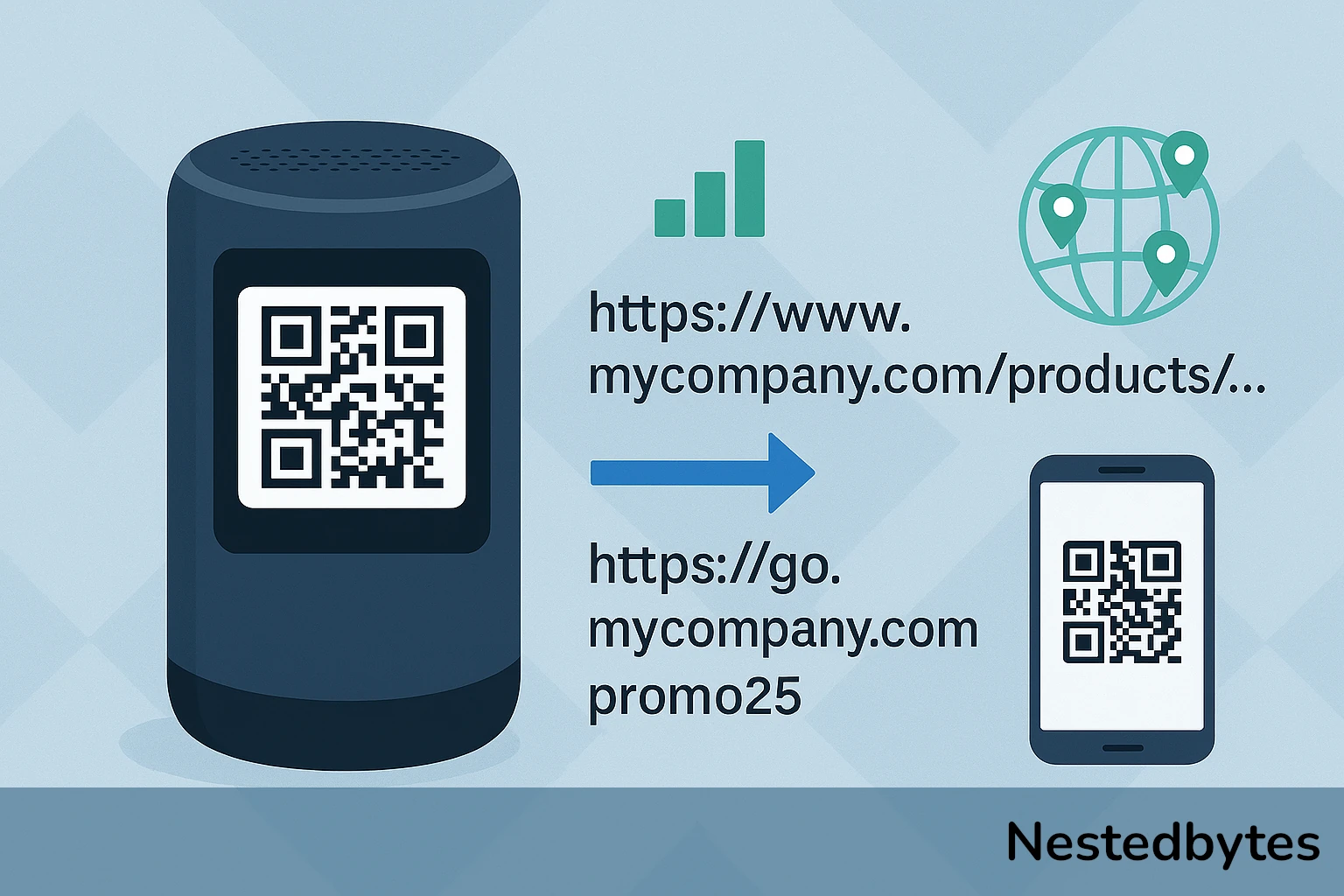
For a URL: Avoid long URLs packed with tracking parameters or complex domain names. Use a URL shortener (such as a branded short domain) to turn https://www.mycompany.com/products/category/sub-category/item?utm_source=flyer&utm_medium=print&utm_campaign=summer2025 into something like https://go.mycompany.com/promo25. Not only will the QR Code be less dense, but it will also be far easier to update if the destination URL ever changes.
For a serial number: If the target system can resolve an asset from a short identifier, do not encode the full set of object metadata. Encode only the identifier, and let the database do the rest.
For informational text: If your QR Code is meant to deliver a piece of information rather than a URL, ask yourself whether that information could be hosted online and accessed via a short URL instead. A QR Code containing a short URL will always be more reliable than one containing several paragraphs of plain text.
Error correction level: a double-edged lever
The QR Code standard offers four error correction levels (L, M, Q, H), which allow the code’s content to be reconstructed even if part of it is damaged or obscured. The higher the level, the more resilient the code, but also the denser, because redundant information takes up space.
In environments where labels are likely to be scratched or partially covered, a higher level (Q or H) may well be justified. In a clean on-screen display context, level L or M is usually sufficient and keeps the code lighter and easier to read.
Best practices in summary
Designing an effective QR Code means finding the right balance between all of these parameters. Here are the key takeaways:
Do not confuse QR Codes with encryption. A QR Code is transparent by nature. If the content is sensitive, encrypt it before encoding it.
Limit the encoded content to the strict minimum. The less data there is, the less dense the code, and the easier it is to scan in a wide range of conditions.
Take the available physical space into account. A dense code printed too small will become unreadable. Adapt the amount of data to the intended print or display size.
Prefer short, stable URLs. A URL shortener reduces code density and gives you the flexibility to change the destination without having to reprint labels or flyers.
Choose the error correction level based on context. Harsh or degraded environment: raise the level. Clean digital display: keep it low to lighten the code.
Always test before deploying. Print the code at its intended size, under real conditions of use (lighting, distance, substrate), and verify that it scans without difficulty on several different devices.
To conclude
A QR Code is a remarkably simple tool in everyday use, but one that conceals a surprisingly subtle mechanics when you try to optimize it for professional deployment. By understanding the relationship between data, density, and readability, you will be able to design codes that are reliable, robust, and well-suited to their constraints, whether that means an inventory label on a factory floor, a QR Code on a festival poster, or a support link embedded directly inside a software application.